For court owners · Updated Nov 4, 2026
The hardware that runs your whole pickleball venue
Players find your court on PickleBoard. Everything after that runs on hardware: check-in, payments, receipts, the open-play queue, Wi-Fi on the courts and the cash count at closing. These 11 pieces keep the whole operation smooth and easy to manage, and give your players more: QR payments courtside, a live queue on the wall and internet that stays up.
Store links open in a new tab. Some are affiliate or referral links, so we may earn a small commission at no extra cost to you. Product images are illustrative, not the exact listings.
Start small, add as you grow
Nothing here is required to take bookings. Each kit builds on the one before it.
Kit 1
Starter desk
One or two courts, bookings mostly online
Kit 2 · adds
Cash counter
Walk-ins, drop-in fees and a pro shop
Kit 3 · adds
Full venue
Open play queues and courts beyond the lobby
Shop the kit
All 11 pieces on one list. Shopee and Lazada often stock different models, so the one each button opens is named under it.
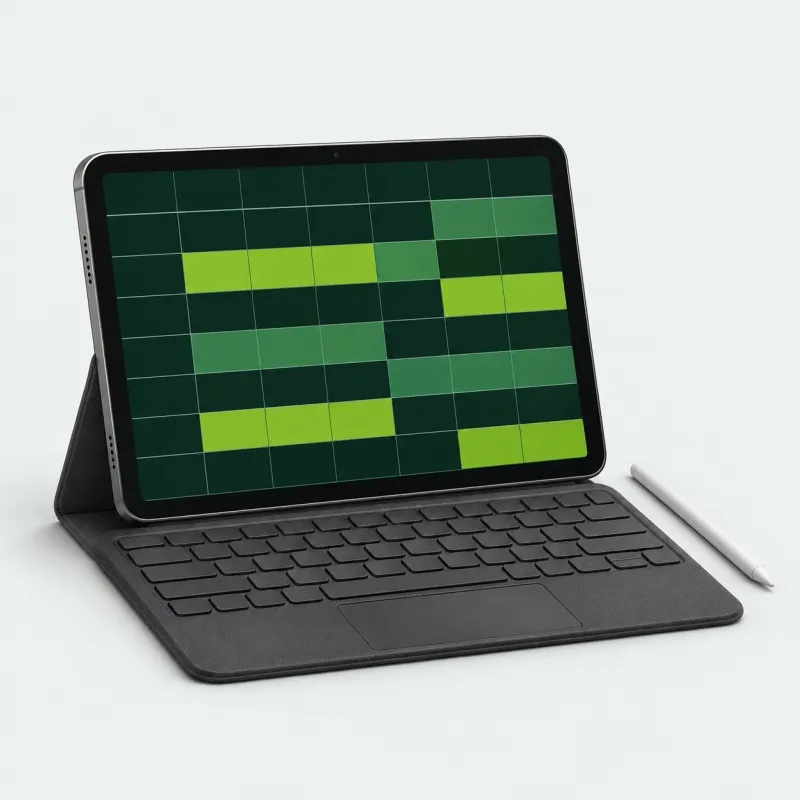 01Android TabletBuy Android Tablet on Shopee (opens in a new tab)
10" Android tablet bundle with case, keyboard and stylus
Buy Android Tablet on Lazada (opens in a new tab)10.5" Android 12 tablet, dual SIM
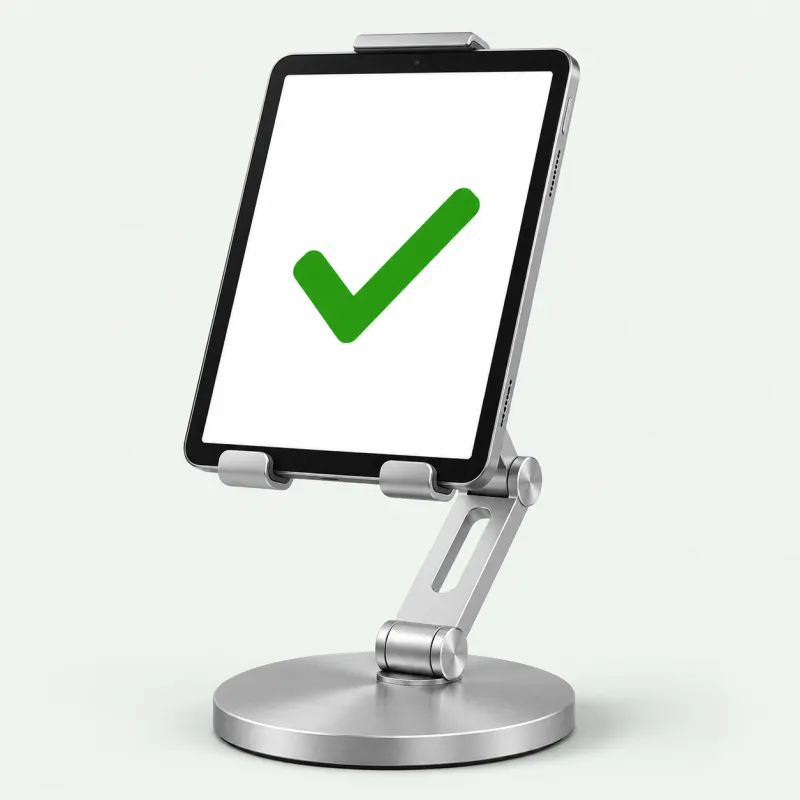 02Tablet or Phone StandBuy Tablet or Phone Stand on Shopee (opens in a new tab)
BAVIN PS70 steel 360° stand, up to 12.9"
Buy Tablet or Phone Stand on Lazada (opens in a new tab)UGREEN aluminum dual-axis stand, 4" to 13"
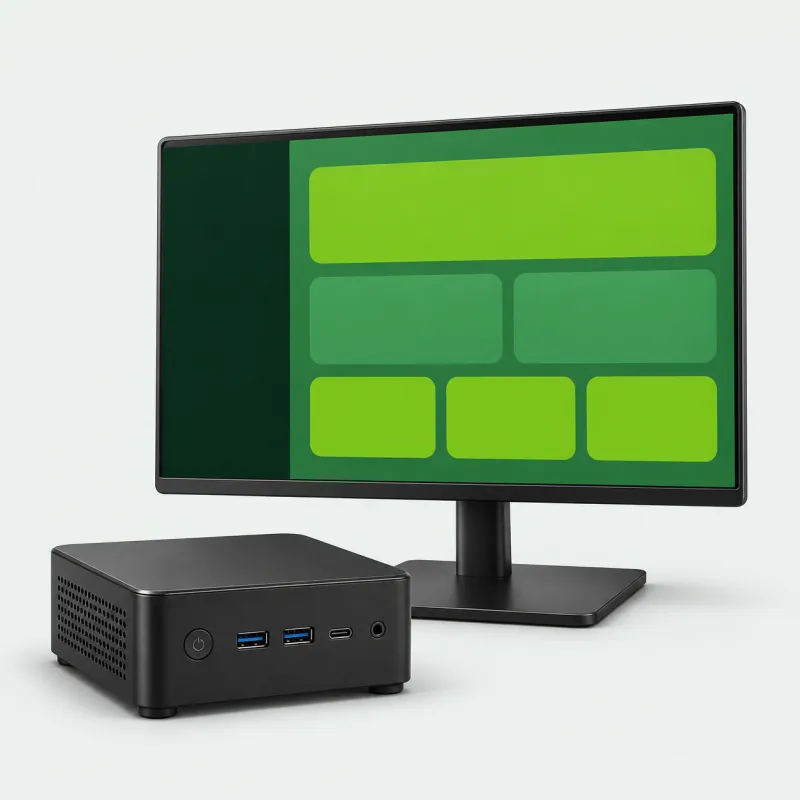 03Mini PCBuy Mini PC on Shopee (opens in a new tab)
Beelink Mini S12 Pro, Intel N100, Windows 11, Wi-Fi 6
Buy Mini PC on Lazada (opens in a new tab)Viamai mini PC, dual display, Wi-Fi 5
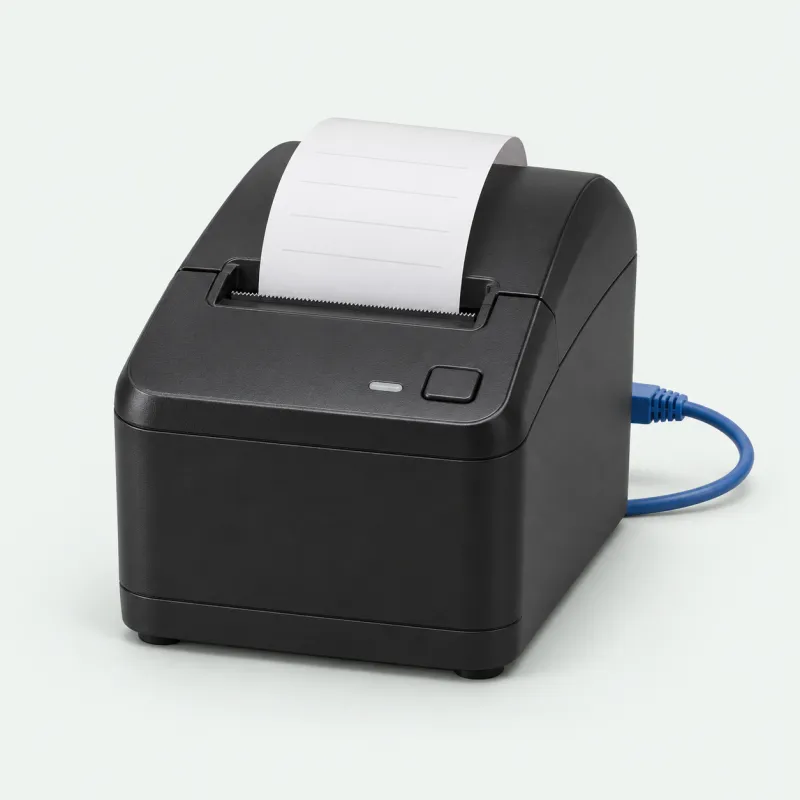 04Receipt Printer, LAN VersionBuy Receipt Printer, LAN Version on Shopee (opens in a new tab)
Epson TM-T82X (choose the LAN variation)
Buy Receipt Printer, LAN Version on Lazada (opens in a new tab)Epson TM-T82X (choose the Ethernet LAN variation)
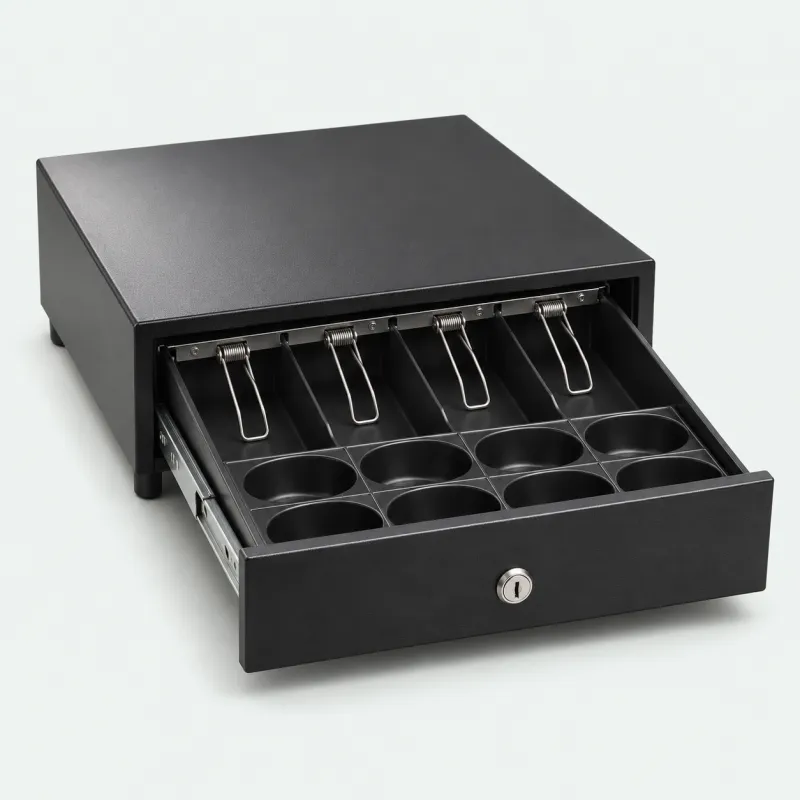 05Cash DrawerBuy Cash Drawer on Shopee (opens in a new tab)
Heavy-duty steel POS cash drawer, 4 bills / 5 coins
Buy Cash Drawer on Lazada (opens in a new tab)JNL Teeda ECD-338, 5 bills / 6 coins, removable tray
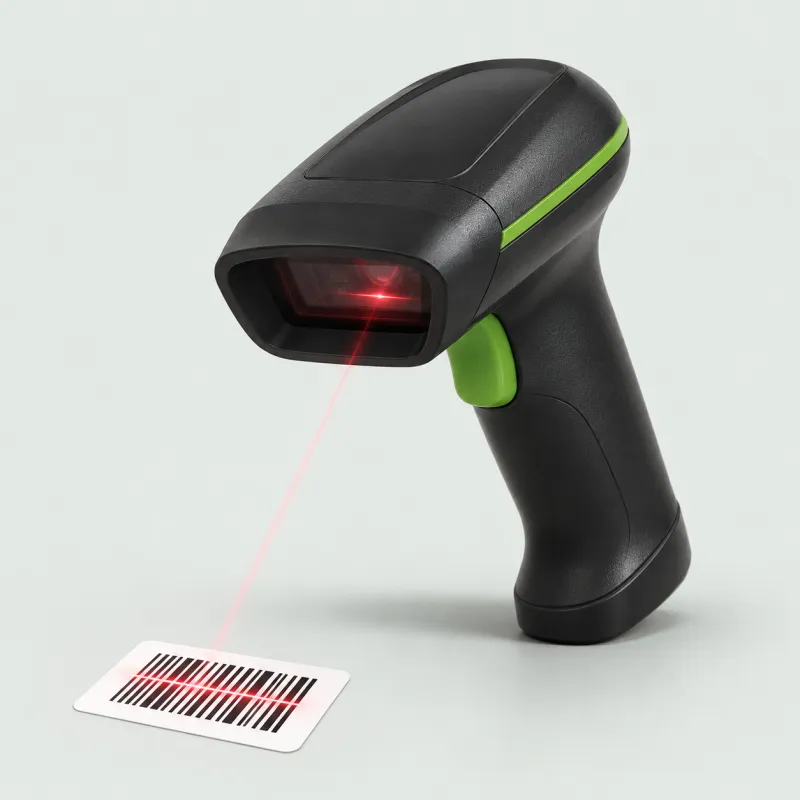 06Barcode ScannerBuy Barcode Scanner on Shopee (opens in a new tab)
Comet wired 1D / 2D scanner
Buy Barcode Scanner on Lazada (opens in a new tab)Eyoyo 1D / 2D scanner, Bluetooth + USB, with stand
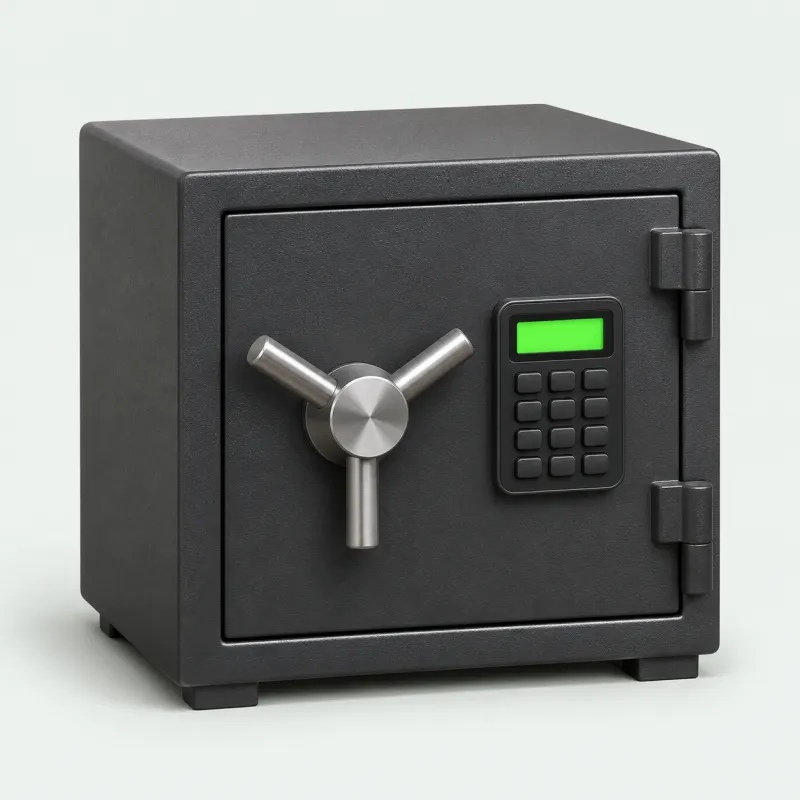 07Vault SafeBuy Vault Safe on Shopee (opens in a new tab)
Electronic safe, 35 × 25 × 25 cm, 8 kg
Buy Vault Safe on Lazada (opens in a new tab)Mini digital safe, about 23 × 17 × 17 cm
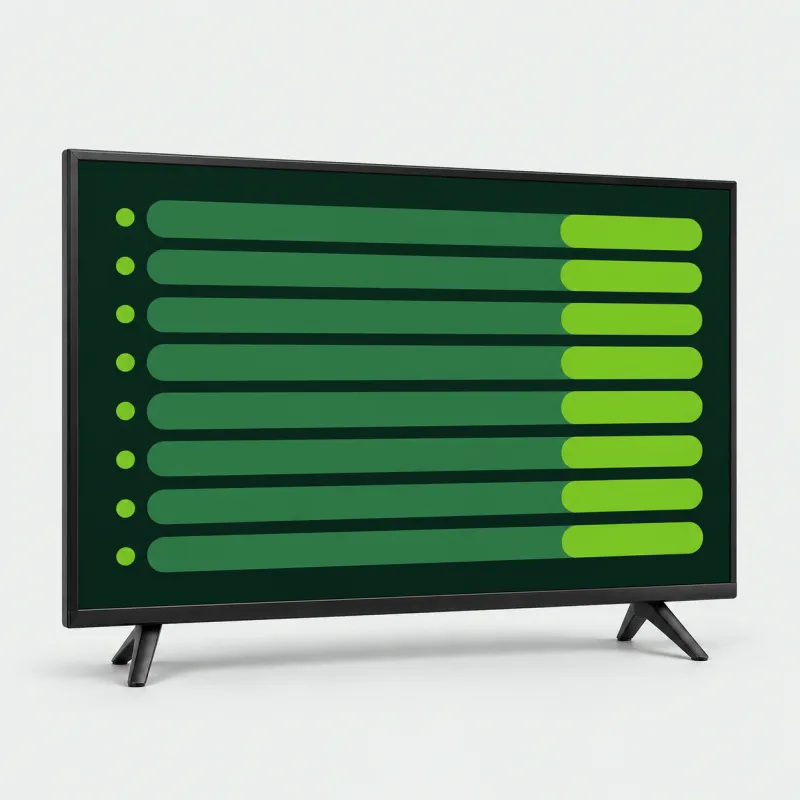 08Smart TV for the QueueBuy Smart TV for the Queue on Shopee (opens in a new tab)
Android / Google TV LED smart TV, 19" to 50"
Buy Smart TV for the Queue on Lazada (opens in a new tab)Astron LED3277 32" smart TV, Wi-Fi + LAN
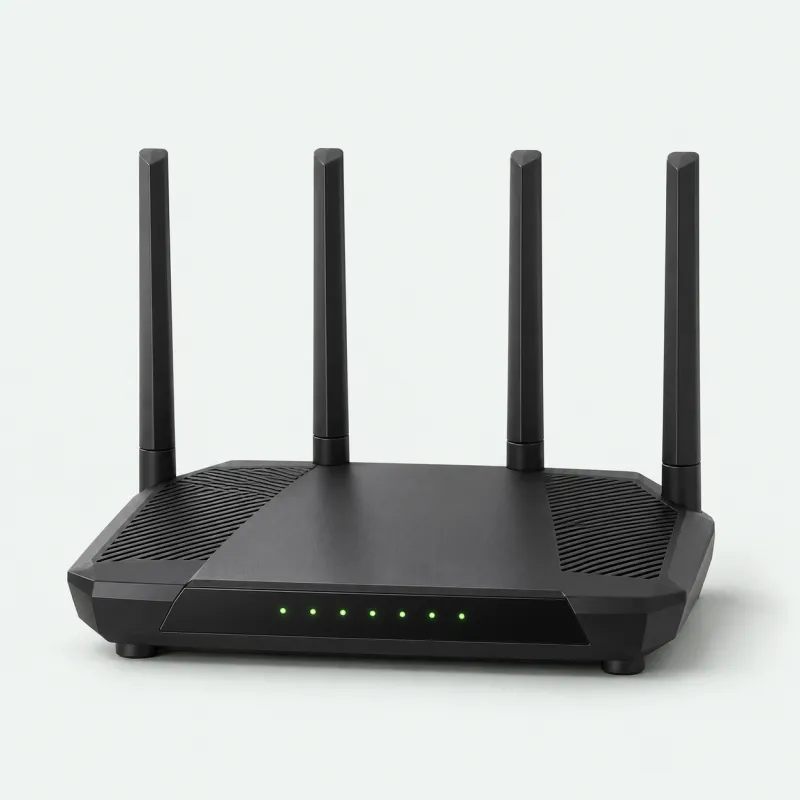 09Wi-Fi RouterBuy Wi-Fi Router on Shopee (opens in a new tab)
TP-Link Archer AX23, AX1800 Wi-Fi 6
Buy Wi-Fi Router on Lazada (opens in a new tab)TP-Link Archer C54, AC1200 Wi-Fi 5
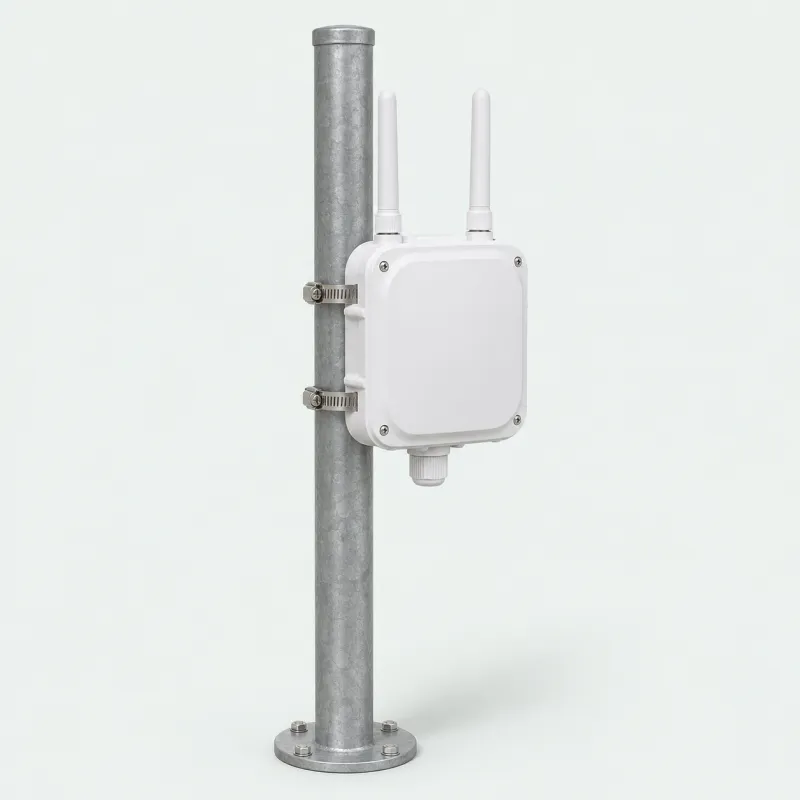 10Outdoor Wi-Fi Access PointBuy Outdoor Wi-Fi Access Point on Shopee (opens in a new tab)
TP-Link EAP225-Outdoor, AC1200 dual band
Buy Outdoor Wi-Fi Access Point on Lazada (opens in a new tab)TP-Link EAP110-Outdoor, 300 Mbps 2.4 GHz, up to 200 m
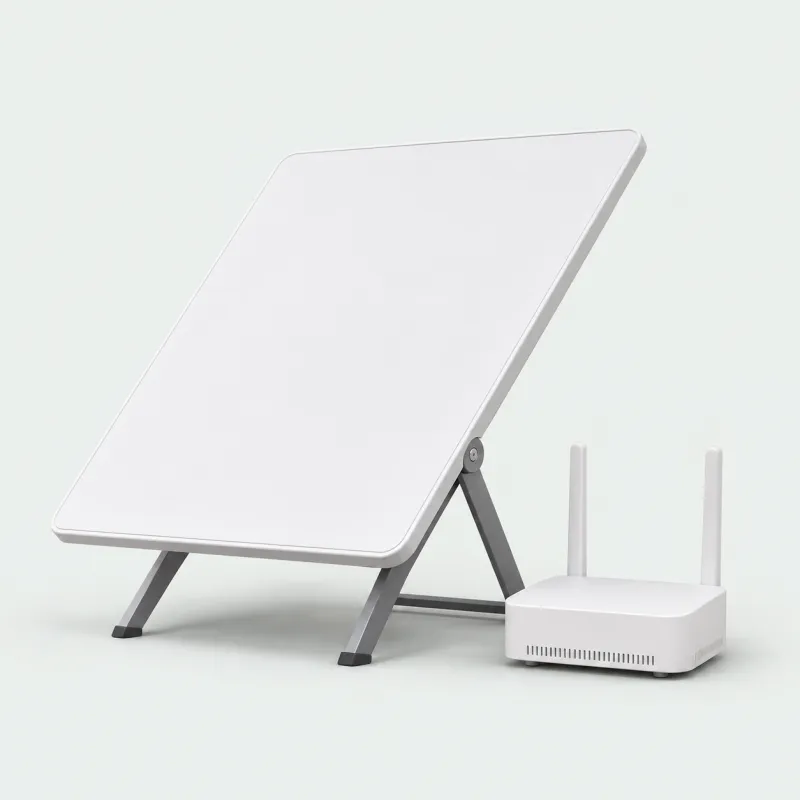 11Starlink InternetGet Starlink (opens in a new tab)
Starlink Standard kit
What each piece does, and what to look for
- 01
Android Tablet
The cheapest counter terminal there is. Bookings, walk-ins, the open-play queue and payments all run in the browser, so staff can check in a group from a 10-inch screen without installing anything.
What to look for
- 10-inch-class screen
- SIM slot, so mobile data can back up the Wi-Fi
- Android 12 or newer
- A case-and-keyboard bundle survives the counter better
Tip: Keep a prepaid data SIM in it. When the venue Wi-Fi drops on a busy Saturday, check-in keeps working.
Buy Android Tablet on Shopee (opens in a new tab)Shopee: 10" Android tablet bundle with case, keyboard and stylus
Buy Android Tablet on Lazada (opens in a new tab)Lazada: 10.5" Android 12 tablet, dual SIM
- 02
Tablet or Phone Stand
Lifts the tablet off a wet counter and swivels it toward the player, so they can scan a QR to pay or confirm their slot, then turns back to staff.
What to look for
- Metal build on a heavy, non-slip base
- Rotates and tilts to face either side of the counter
- Holds phones and tablets up to about 13"
- Leaves the charging port reachable
Tip: Set it within cable reach of an outlet. A tablet that runs the desk all day should stay plugged in.
Buy Tablet or Phone Stand on Shopee (opens in a new tab)Shopee: BAVIN PS70 steel 360° stand, up to 12.9"
Buy Tablet or Phone Stand on Lazada (opens in a new tab)Lazada: UGREEN aluminum dual-axis stand, 4" to 13"
- 03
Mini PC
A full Windows desktop no bigger than a coaster. It runs the booking dashboard on a counter monitor, feeds the lobby TV from its second HDMI port, and hosts PlayServe’s Print Bridge so the browser can reach a LAN receipt printer.
What to look for
- Windows 11 with Chrome
- Two display outputs: counter monitor plus lobby TV
- Ethernet port and Wi-Fi
- SSD storage, quiet cooling
Tip: Wire it to the router and leave it running. The Print Bridge relaunches on its own each time Windows signs in.
Buy Mini PC on Shopee (opens in a new tab)Shopee: Beelink Mini S12 Pro, Intel N100, Windows 11, Wi-Fi 6
Buy Mini PC on Lazada (opens in a new tab)Lazada: Viamai mini PC, dual display, Wi-Fi 5
- 04
Receipt Printer, LAN Version
Prints receipts and invoices for court fees, walk-ins, drinks and pro-shop sales, and fires the cash drawer. On the router, every device at the counter shares the one printer.
LAN version only. Get the LAN (Ethernet) version, not the USB + Serial one. Both stores list the two versions under one product, so choose LAN in the variation picker. PlayServe prints to network printers: through the PlayServe Print Bridge on a Windows or Mac computer, or the PlayServe Bridge app on an Android tablet.
What to look for
- Epson TM-T82X with the LAN (Ethernet) interface
- 80mm paper at 203 × 203 dpi
- Auto cutter rated for 1.5 million cuts
- Cash-drawer port, so the drawer opens on its own
Tip: No network cable comes in the box. Plug the printer into the router and give it a fixed IP so the counter always finds it.
Buy Receipt Printer, LAN Version on Shopee (opens in a new tab)Shopee: Epson TM-T82X (choose the LAN variation)
Buy Receipt Printer, LAN Version on Lazada (opens in a new tab)Lazada: Epson TM-T82X (choose the Ethernet LAN variation)
- 05
Cash Drawer
Where the counter cash lives between sales. It connects to the receipt printer, and the POS pops it open when it prints a cash receipt. Reprints leave it shut, so every opening matches a real sale.
What to look for
- Steel body with a key lock
- Printer-driven: opens over an RJ11 cable from the receipt printer
- Spring clips for bills, cups for coins
- A removable tray makes the end-of-shift count easier
Tip: The drawer cable goes into the printer’s drawer port, not into the tablet or PC.
Buy Cash Drawer on Shopee (opens in a new tab)Shopee: Heavy-duty steel POS cash drawer, 4 bills / 5 coins
Buy Cash Drawer on Lazada (opens in a new tab)Lazada: JNL Teeda ECD-338, 5 bills / 6 coins, removable tray
- 06
Barcode Scanner
Rings up paddles, balls, drinks and rentals in one beep and makes stock counts quick. It types the code like a keyboard, so it works in a browser with no driver.
What to look for
- Reads 1D barcodes and 2D / QR codes
- USB plug-and-play, no driver
- Bluetooth models pair with a tablet
- Fast continuous scanning
Tip: Enter your product barcodes in inventory before opening day. After that, one scan puts the item on the sale.
Buy Barcode Scanner on Shopee (opens in a new tab)Shopee: Comet wired 1D / 2D scanner
Buy Barcode Scanner on Lazada (opens in a new tab)Lazada: Eyoyo 1D / 2D scanner, Bluetooth + USB, with stand
- 07
Vault Safe
The end of the cash trail. Close the shift, count the drawer against the end-of-day report, and lock the takings away instead of leaving them in the register overnight.
What to look for
- Digital keypad plus an emergency key
- Solid steel body with locking bolts
- Pre-drilled holes for floor or wall mounting
- Room for a day’s bills plus the float
Tip: Bolt it down. A safe that isn’t anchored to a floor or wall can simply be carried out.
Buy Vault Safe on Shopee (opens in a new tab)Shopee: Electronic safe, 35 × 25 × 25 cm, 8 kg
Buy Vault Safe on Lazada (opens in a new tab)Lazada: Mini digital safe, about 23 × 17 × 17 cm
- 08
Smart TV for the Queue
Puts the open-play queue on the wall. Load the public queue display in the TV’s browser and players can see who’s up next and how long the wait is, without crowding the desk to ask.
What to look for
- Smart TV with an app store and a web browser
- 32" for a small lobby; 42" to 50" if it’s read from across the courts
- Wi-Fi or a LAN port
- Built-in digital TV tuner
Tip: If the TV’s own browser lags, run the queue display from a mini PC plugged into its HDMI port instead.
Buy Smart TV for the Queue on Shopee (opens in a new tab)Shopee: Android / Google TV LED smart TV, 19" to 50"
Buy Smart TV for the Queue on Lazada (opens in a new tab)Lazada: Astron LED3277 32" smart TV, Wi-Fi + LAN
- 09
Wi-Fi Router
The backbone of the desk: tablet, mini PC, receipt printer and TV all hang off it. Dual-band keeps staff devices quick when a lobby full of players’ phones joins as well.
What to look for
- Dual-band (2.4 GHz + 5 GHz)
- Spare LAN ports for the printer and the mini PC
- Beamforming for wider coverage
- Wi-Fi 6 if your lobby fills up
Tip: Cable the receipt printer to the router. A wired printer can’t fall off the Wi-Fi in the middle of a shift.
Buy Wi-Fi Router on Shopee (opens in a new tab)Shopee: TP-Link Archer AX23, AX1800 Wi-Fi 6
Buy Wi-Fi Router on Lazada (opens in a new tab)Lazada: TP-Link Archer C54, AC1200 Wi-Fi 5
- 10
Outdoor Wi-Fi Access Point
Takes the signal out past the lobby to the courts, so players can book the next slot, join the queue and pay by QR from the baseline, and a roaming staff tablet stays online.
What to look for
- Weatherproof outdoor housing
- Powered through the network cable (PoE)
- Wall or pole mounting kit
- Free Omada management for one unit or several
Tip: Mount it high on a pole or wall facing the courts, with one cable run back to the router.
Buy Outdoor Wi-Fi Access Point on Shopee (opens in a new tab)Shopee: TP-Link EAP225-Outdoor, AC1200 dual band
Buy Outdoor Wi-Fi Access Point on Lazada (opens in a new tab)Lazada: TP-Link EAP110-Outdoor, 300 Mbps 2.4 GHz, up to 200 m
- 11
Starlink Internet
For courts where fiber is slow, patchy or still on the way. Online bookings and GCash, Maya, QR Ph and card payments all need a live connection to confirm.
What to look for
- Satellite internet, no fiber line required
- Standard kit: dish plus Wi-Fi router
- Works in rural and remote areas
- A solid backup line alongside fiber
Tip: Give the dish a clear view of the sky, away from roofs, trees and the court light poles.
Get Starlink (opens in a new tab)Starlink Standard kit
Court owners ask
- What hardware does a pickleball venue need to run smoothly?
- Less than most owners expect. A tablet on a stand and a dependable internet connection handle bookings, walk-ins, the open-play queue and online payments. Courts that take cash add a LAN receipt printer, a cash drawer and a safe; busy venues add a TV for the queue and Wi-Fi out to the courts.
- Do I need special equipment to run bookings online?
- No. PlayServe, PickleBoard’s court-booking partner, runs in any modern browser on a laptop, tablet or phone. Everything on this page is optional and can be added one piece at a time.
- Why the LAN version of the receipt printer?
- A LAN (Ethernet) printer sits on your router, so every counter device can print to it. PlayServe prints to network printers through its Print Bridge on Windows or Mac, or the PlayServe Bridge app on Android. The USB + Serial version is tied to whichever single computer it is plugged into. We recommend the Epson TM-T82X; pick the LAN variation when you order.
- Does the cash drawer open by itself?
- Yes, as long as it is cabled to the receipt printer. The POS opens it when it prints the receipt for a cash sale. Reprints and GCash, Maya or card payments leave it closed.
- Tablet or mini PC for the counter?
- A tablet on a stand costs less and can turn to face the player. A mini PC with a monitor gives staff a bigger screen, can drive the lobby TV from its second HDMI port, and runs the Print Bridge for a LAN printer. Plenty of venues end up with both.
- What if the internet goes down mid-session?
- Staff can keep taking walk-ins and counting cash, and bookings sync once the line is back. E-wallet and card payments need a live connection to confirm, so a backup line, such as Starlink or a data SIM in the counter tablet, pays for itself on the first outage.
- Are these affiliate links?
- Yes. The Shopee and Lazada links are affiliate links and the Starlink link is a referral link, so we may earn a small commission if you buy, at no extra cost to you. Each item was picked for how it fits a pickleball venue’s day-to-day operation, and equivalent hardware works just as well. Product photos are illustrative, not the exact listings.
Venue kitted out? Make sure players can find you.
List your court on PickleBoard for free, or claim the listing that's already there, so players see the right address, hours and prices. Want the booking, POS and queue software this kit runs? That's PlayServe.
Kitting out players instead? Read the equipment guide or browse pickleball courts in the Philippines.